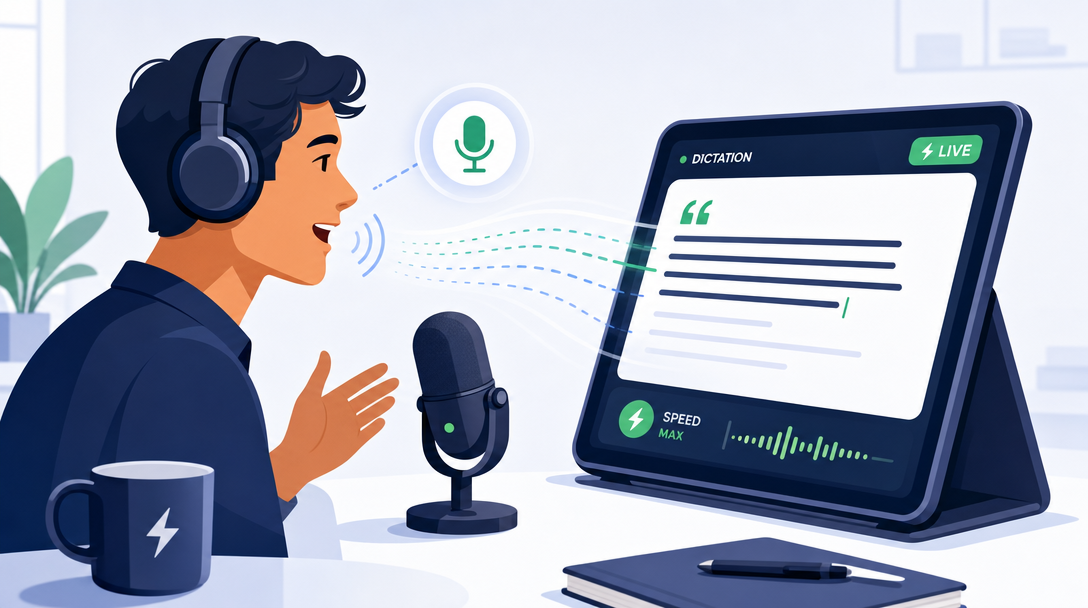
Boost Your Blog Writing Speed: The Ultimate Guide to Dictation for Blog Writing

Photo by Markus Winkler on Unsplash
Many content creators suffer from the dreaded "blank page syndrome." Staring at a blinking cursor for hours, trying to construct the perfect opening hook, is a universal struggle. In fact, research shows that writing a standard blog post using traditional keyboard typing takes an average of 4 hours and 10 minutes. This slow pace is rarely due to a lack of ideas; instead, it is caused by the physical bottleneck of typing and the constant urge to self-edit mid-sentence. By adopting dictation for blog writing, you can dismantle these mental barriers, bypass your inner critic, and drastically accelerate your content production pipeline.
Speech-to-text technology has evolved from a clumsy novelty into a highly accurate, professional-grade productivity tool. If you are looking to increase your publishing frequency without sacrificing content depth, transitioning to a voice-first workflow is one of the most effective strategies available.
The Raw Power of Speaking vs. Typing
Most people type at an average rate of 40 words per minute (WPM). By comparison, natural speech flows comfortably at 120 to 150 WPM. This means your mouth can formulate and deliver ideas three to four times faster than your fingers can type them out on a keyboard.

When you sit at a keyboard, you are physically tethered to a desk. This static environment often invites distraction and fatigue. When you speak, however, your cognitive load is focused entirely on expression rather than the mechanics of spelling, punctuation, and layout. Transitioning to voice-to-text doesn't just make writing faster; it changes the tone of your writing. Spoken drafts naturally inherit a conversational, authentic rhythm that resonates deeply with blog readers, who generally prefer accessible, engaging language over stiff, academic prose.
Traditional Typing vs. Voice Dictation
To understand the practical efficiency of changing your methodology, consider how the two approaches compare across key performance and health metrics.
| Performance Metric | Traditional Keyboard Typing | Voice-First Dictation |
|---|---|---|
| Average Drafting Speed | 30–40 words per minute | 120–150 words per minute |
| First Draft Time (1,500 words) | 120–180 minutes | 15–30 minutes (actual speaking time) |
| Physical Strain & Ergonomics | High risk of wrist, back, and neck strain | Low physical strain; allows movement and standing |
| Primary Mental Hurdle | Instant self-editing and perfectionism | Overcoming vocal self-consciousness |
| Editing Requirements | Polished structure, but slower development | Rapid drafting, requires structural cleanup |
Setting Up Your Workflow to Speed Up the Process
To fully unlock the speed benefits of speaking your drafts, you need an organized system. If you try to dictate off the top of your head without preparation, you will likely end up with a disorganized transcript filled with run-on sentences, repetitive thoughts, and logical gaps.
A highly efficient dictation workflow relies on three core phases:
- The Skeleton (Outlining): Never speak into a microphone without a roadmap. Spend ten minutes drafting a clear, detailed outline. Note your main headings, the core message of each section, and any specific data points you need to reference.
- The Capture (Dictation): Find a comfortable environment, review your outline, and speak your mind freely. Do not pause to correct slips of the tongue, mispronounced words, or grammar errors. Keep your momentum moving forward.
- The Polish (AI-Assisted Editing): Run your raw audio transcript through an editing tool or an AI assistant to clean up the formatting, remove filler words, and polish the structure into a ready-to-publish blog post.

Photo by Kelly Sikkema on Unsplash

Integrating speech seamlessly with your overall publishing strategy is a game-changer. To build a highly optimized workflow that scales, it helps to study other proven ways to speed up your blog writing process, ensuring that your transition to voice-to-text fits perfectly into your editing and publishing cycles.
Choosing the Right Tools to Perfect Your Dictation for Blog Writing
You do not need expensive, specialized equipment to start dictating. Most modern operating systems and mobile devices come equipped with built-in speech-to-text software that is remarkably accurate.
Built-In Operating System Tools
- Google Docs Voice Typing: Available for free inside the Google Chrome browser. It is highly accurate, adapts well to different accents, and supports basic voice commands for punctuation.
- Apple Dictation & Windows Voice Typing: Built directly into macOS, iOS, and Windows. These tools allow you to dictate directly into any text field, making them highly versatile for drafting directly inside your blogging platform.
Dedicated Mobile Apps and Transcription Software
- Voice Memo & Recording Apps: Sometimes, the best writing happens when you are away from your computer. You can record a raw audio file on your smartphone while walking in a park, then upload the file to an automated transcription service like Otter.ai, Descript, or OpenAI's Whisper API.
- Whisper-Based Tools: These advanced speech-to-text models can transcribe audio with incredible accuracy, easily handling background noise, accents, and technical jargon.
For publishers managing content delivery platforms, like those powered by wp-publisher.com, the primary goal is getting high-quality text from your brain to the web with minimal friction. Consulting your platform's detailed platform documentation can help you discover how to import raw, transcribed text directly into your content management system without losing important formatting.
Step-by-Step Guide: Mastering Dictation for Blog Writing
Transitioning to a voice-first writing style requires a shift in habits. Follow this step-by-step blueprint to ensure your first dictated blog post is a success.
Step 1: Optimize Your Environment and Hardware
While built-in laptop microphones have improved, they easily pick up keyboard clicks and room echoes. For professional-grade dictation, use a dedicated external USB microphone or a high-quality headset with a noise-canceling mic. This ensures the speech-to-text engine catches every syllable, drastically reducing transcription errors.
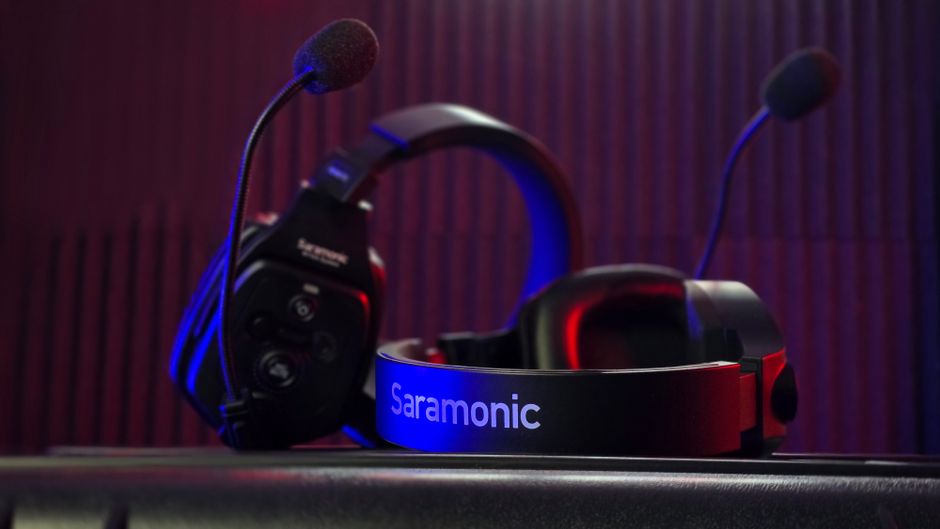
Photo by tirdad eshraq on Pexels
Step 2: Prepare Your SEO Keywords
One common challenge with dictation is ensuring your target search terms flow naturally. Before you hit record, write down your primary and secondary keywords on a sticky note or keep them visible on your screen. This visual prompt reminds you to speak these phrases naturally as you explain your points, rather than trying to awkwardly stuff them into your transcript during the editing phase.
Step 3: Dictate in Chunks
Do not try to dictate an entire 1,500-word article in one single, continuous stream. Instead, approach your draft section by section. Look at your first subheading, take a deep breath, and speak for two to three minutes on that specific topic. Once you have exhausted that point, pause, review the next subheading on your outline, and repeat the process.
Step 4: Keep Moving Past Mistakes
If you mispronounce a word or realize you phrased a sentence poorly, do not stop to correct it. Simply say the sentence again correctly and keep moving. Your editing phase will easily catch these repetitions, and stopping mid-flow ruins the cognitive momentum that makes dictation so fast.
Overcoming the Learning Curve of Dictation for Blog Writing
Speaking your thoughts out loud feels incredibly awkward at first. Most of us have been trained since childhood to write using our hands, whether with a pen or a keyboard. When you switch to speaking, you might find yourself stuttering, forgetting your train of thought, or feeling self-conscious.
This is entirely normal. Dictation is a cognitive muscle that must be developed over time.
To make the transition easier, start small. Do not try to write a massive, 3,000-word pillar post on your first day. Instead, begin by dictating short social media updates, email replies, or brief introductory paragraphs. As your brain adapts to translating thoughts directly into speech, you can gradually scale up to full-length outlines and detailed blog sections. Within two weeks of consistent practice, the awkwardness will fade, replaced by a fluid, conversational writing style.
Using AI to Turn Transcripts into Polished Articles
A raw voice transcript is rarely ready for immediate publication. It will inevitably contain verbal filler words ("um," "uh," "like"), redundant sentences, and minor grammatical quirks. Historically, cleaning up these transcripts manually took so much time that it offset the speed gains of dictation.
Fortunately, modern generative AI tools have solved this problem. You can copy your raw, messy transcript and paste it into an AI assistant with a simple, direct prompt:
"Clean up the grammar and punctuation of the following raw transcript. Remove any verbal fillers, repetitive phrases, and slang. Organize the text into logical paragraphs and insert clear headings. Make sure to preserve my natural, conversational tone and do not alter the core message."
This simple automation step saves approximately 35–45 minutes per standard blog post on the first draft alone. It bridges the gap between the speed of speech and the polished structure required for professional online publishing.
Health and Creativity Benefits Beyond Speed
While the productivity gains are impressive, dictation also offers profound physical and creative advantages.
Sitting at a desk for eight hours a day is physically taxing. It leads to poor posture, repetitive strain injuries like carpal tunnel syndrome, and chronic neck and back pain. Dictation breaks this physical lock. With a wireless headset or a smartphone recording app, you are free to stand up, stretch, or even pace around your home office while drafting your next masterpiece.
Furthermore, physical movement is scientifically proven to boost creative thinking. Walking stimulates blood flow to the brain, helping you solve complex structural problems in your writing and generate unique analogies that might never have surfaced while staring blankly at a bright computer screen. By stepping away from the keyboard, you protect your body and unleash your full creative potential.

Photo by Arek Adeoye on Unsplash